Sticky Mode
Never stop your loops!
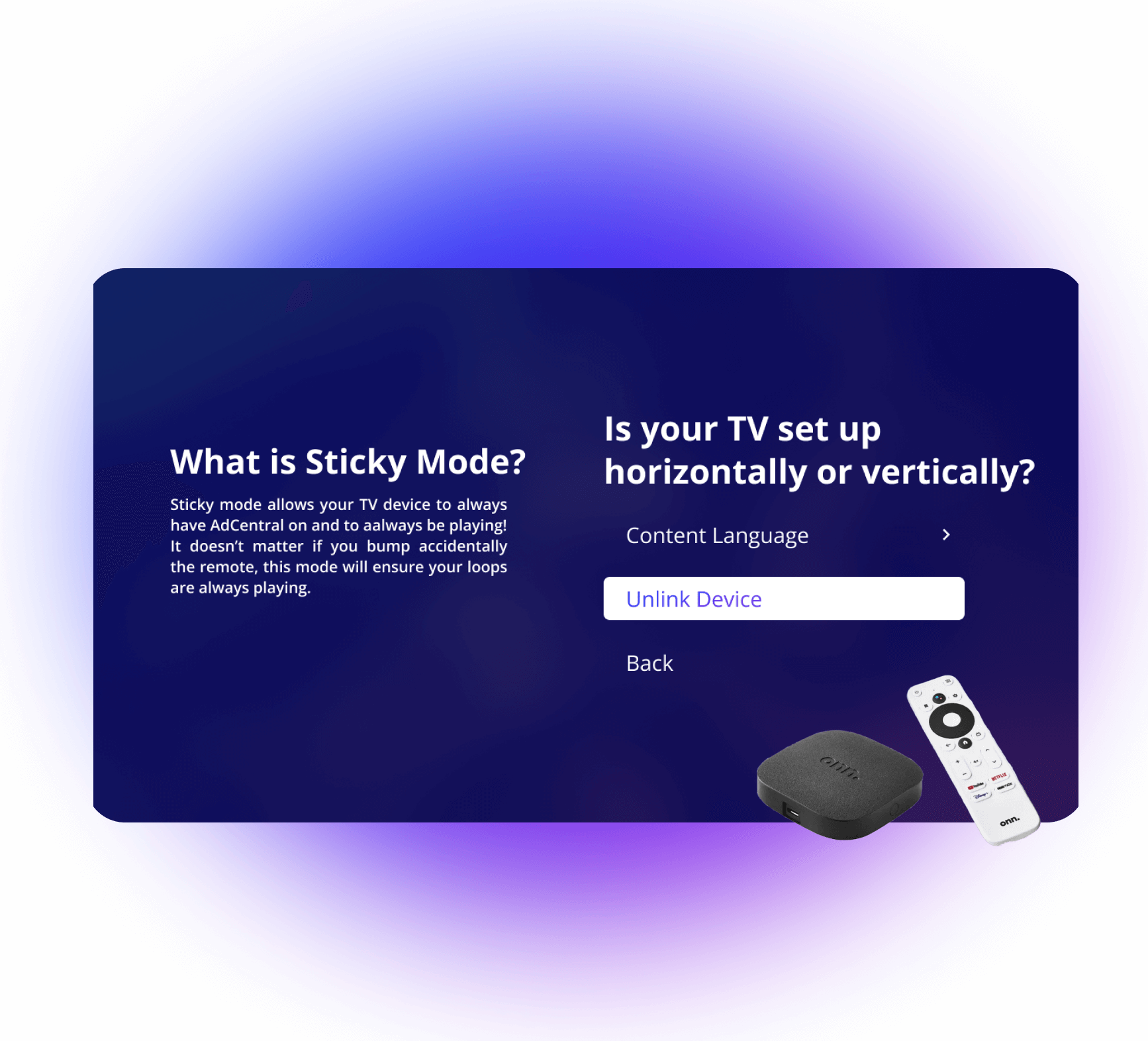
Sticky mode allows your TV device to always leave AdCentral on and always playing!
It
doesn’t matter if you accidentally bump the remote; this will ensure your loops don’t stop playing.
Where can you find this?
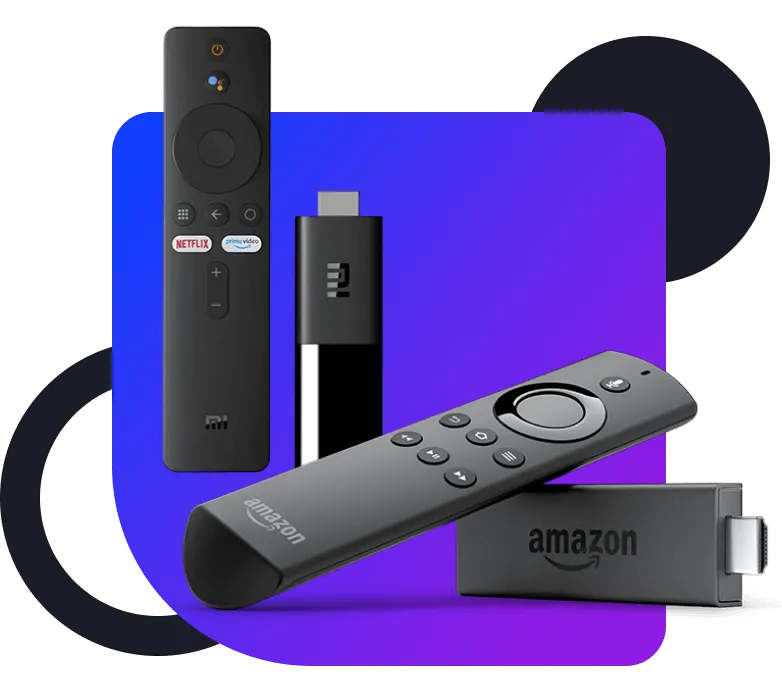
Available in Android TV and Fire Stick
Activation
How do you use Sticky Mode?
Once you’re in the AdCentral TV app, you’ll go into the settings and select the Sticky Mode menu option to enable for your TV!
Automatic replay
Accidents happen, but never stop your loops
Clicked a button by accident? Don’t worry, Sticky mode prevents any unwanted interruptions that happen while playing your loops.